1
Download your app
Choose the Ford app for a Ford vehicle or the Lincoln app for a Lincoln vehicle. Sign in or create an account with your primary email address.

Rewards · Vehicle app setup
Get your app set up now to get the most from your new vehicle and qualify for Ford or Lincoln Rewards points...which can be used for accessories, maintenance, and more!
Watch first
Follow along, then use the written steps and screenshots below as a guide.
Want Ford’s official walkthrough? Watch Ford’s app setup video ↗
Ford and Lincoln vehicles
Choose the Ford app for a Ford vehicle or the Lincoln app for a Lincoln vehicle. Sign in or create an account with your primary email address.
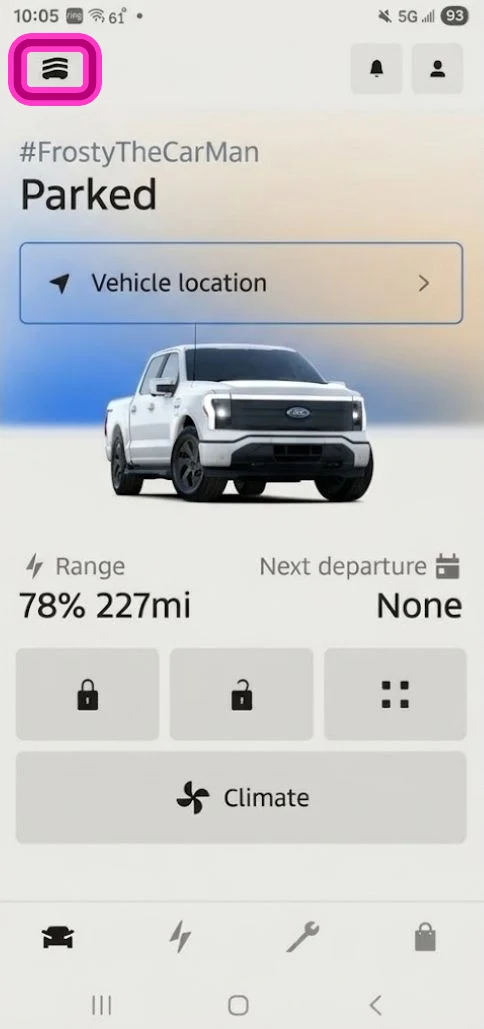
In the app, tap the Garage button at the top left.
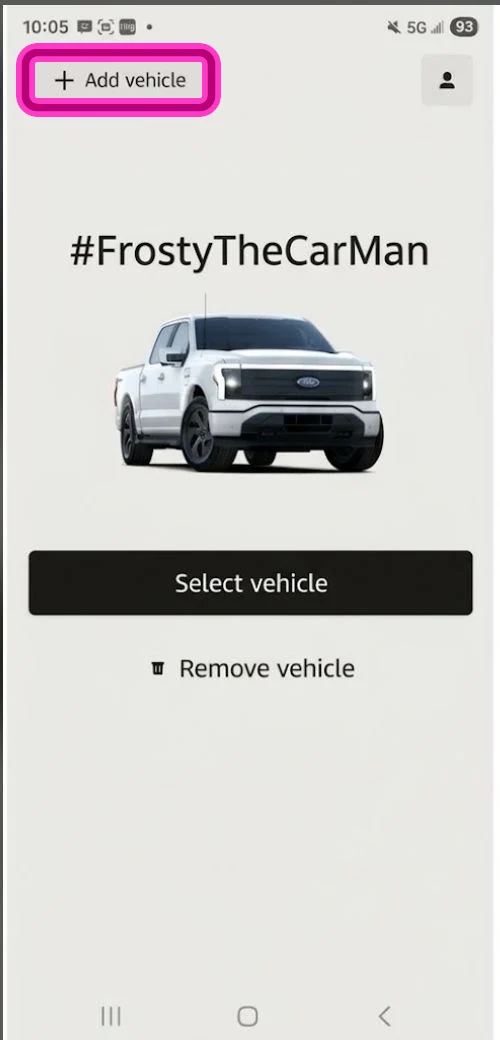
Tap the  to add your new vehicle to your garage.
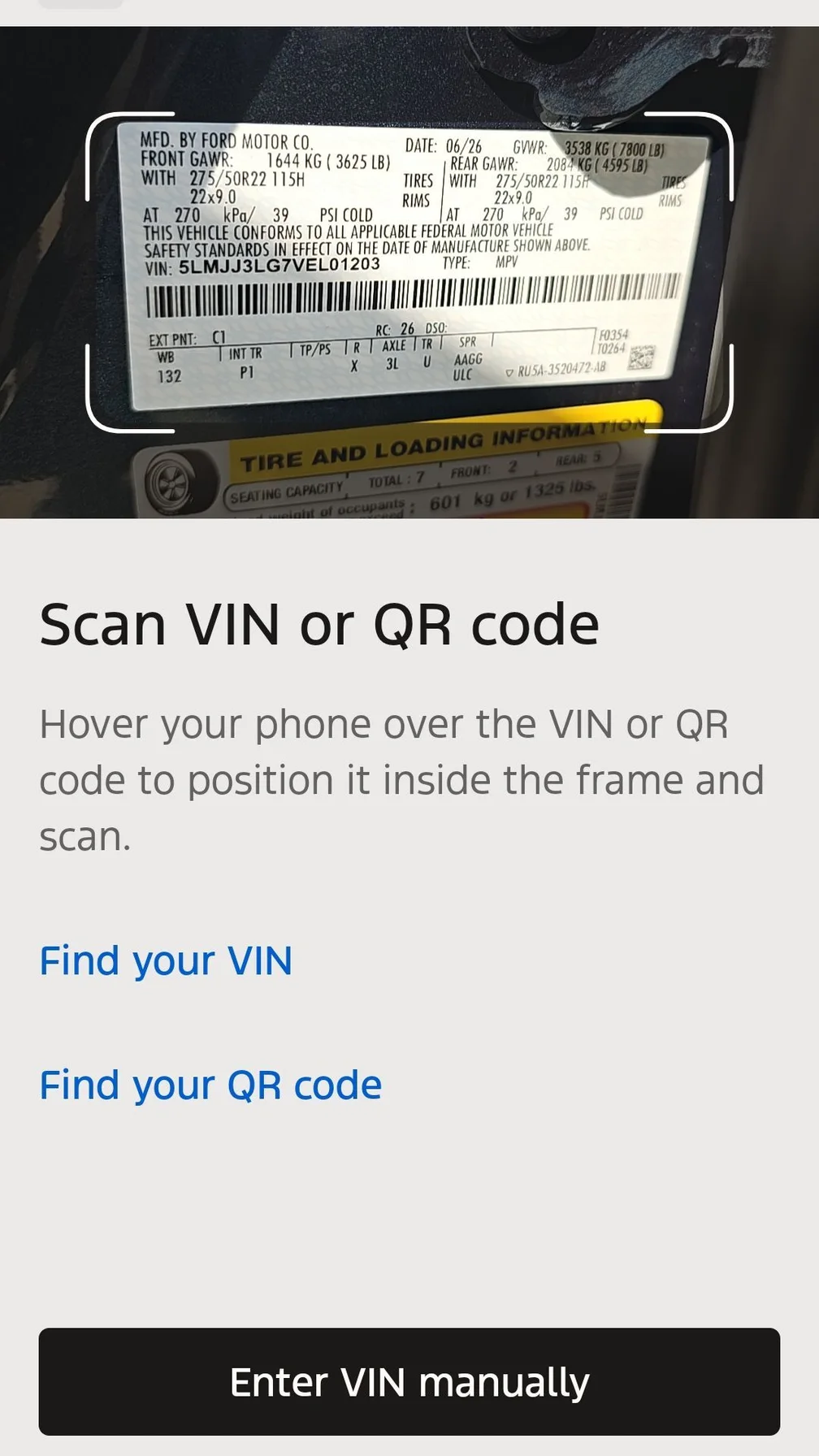
Scan the barcode on the driver’s door jamb or enter the VIN.
Make sure the vehicle is on, then tap Connect to Vehicle.
If a SYNC prompt appears on your vehicle’s touchscreen, tap “Allow” or “Yes” to approve the connection.
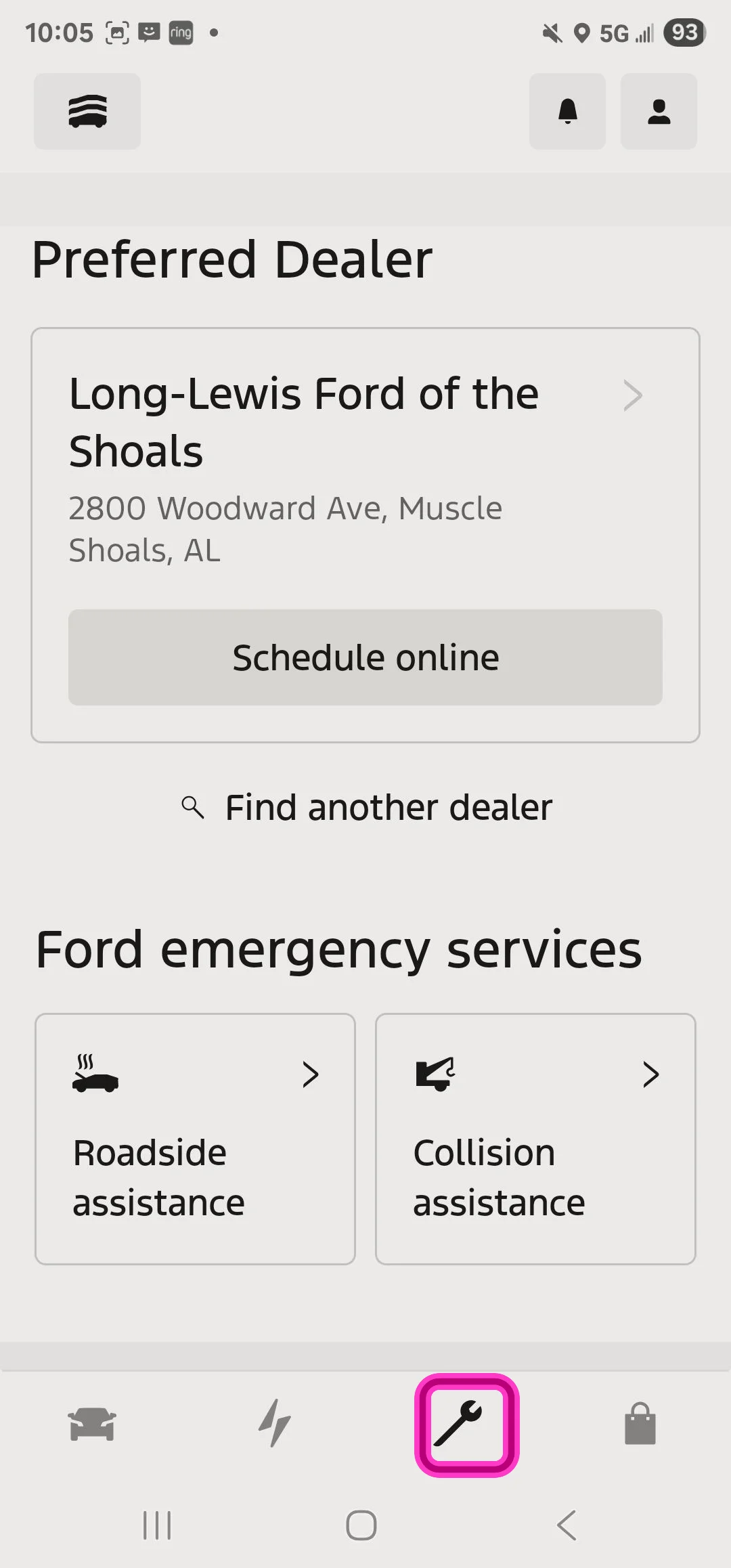
You can change your preferred location later.
If available for your vehicle, test a remote feature such as lock or unlock in the app.
 at the top left.
 at the bottom of the app.